5 plugins to support your projects
In this week's article, I wanted to highlight 5 plugins I've been using in my projects that have massively helped in terms of improving my workflow and allowing me to more seamlessly work with 3rd party tools directly in Godot.

As Godot increases in popularity, is it also growing in terms of community tooling support too.
In this week's article, I wanted to highlight 5 plugins I've been using in my projects that have massively helped in terms of improving my workflow and allowing me to more seamlessly work with 3rd party tools directly in Godot.
All of the tools listed below are MIT licensed, a permissive open-source license allowing you to freely use, copy, modify and distribute the code directly in your projects.
Godot Aseprite Wizard

Lead developer: Vinicius Gerevini (https://thisisvini.com/)
Starting off with a tool for the pixel artists amongst you, here's an addon to help with your Aseprite to Godot workflow.
If you've not never heard of it, Aseprite is an incredible piece of software for creating pixel art and animations for games. It was originally created by Dave Capello and is now maintained by Igara Studio. Games famous for their pixel art like Celeste, Wargroove and recent Godot release Rift Riff all made use of Aseprite during their development.
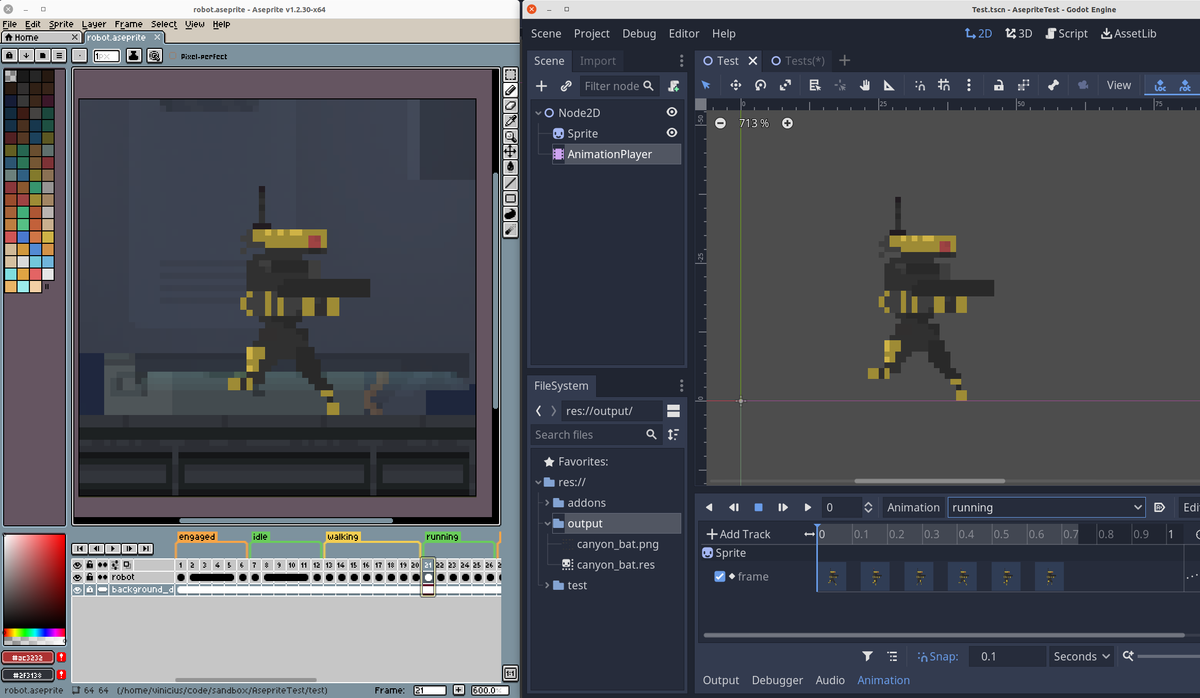
The role of the Godot Aseprite Wizard is to help seamlessly get your Aseprite art and animations into Godot. Within the plugin are automatic importers for SpriteFrames, Textures and Tilesets as well as manual import settings to convert Aseprite animations to a AnimationPlayer node, AnimatedSprite node or SpriteFrames resource.
I've been using it with a few smaller experimental projects and have nothing but good things to say about how well the tool works. If you need to quickly get your pixel art and animations into Godot, look no further!
 viniciusgerevini
Beehave

Lead developer: Miguel Gonzalez (https://bitbra.in/)
Miguel is something of a celebrity within the Godot community. If you've ever spent any time in the Godot tutorial space on YouTube you've likely come across his bitbrain channel.
Beehave is a plugin designed to assist developers in creating complex AI systems in their games through building behaviour trees.
A behaviour tree is a method of organsing logic using an inverted tree structure, meaning that there is a single point of entry for a piece of logic (the root) which will then branch off in various directions depending on the current in-game state.
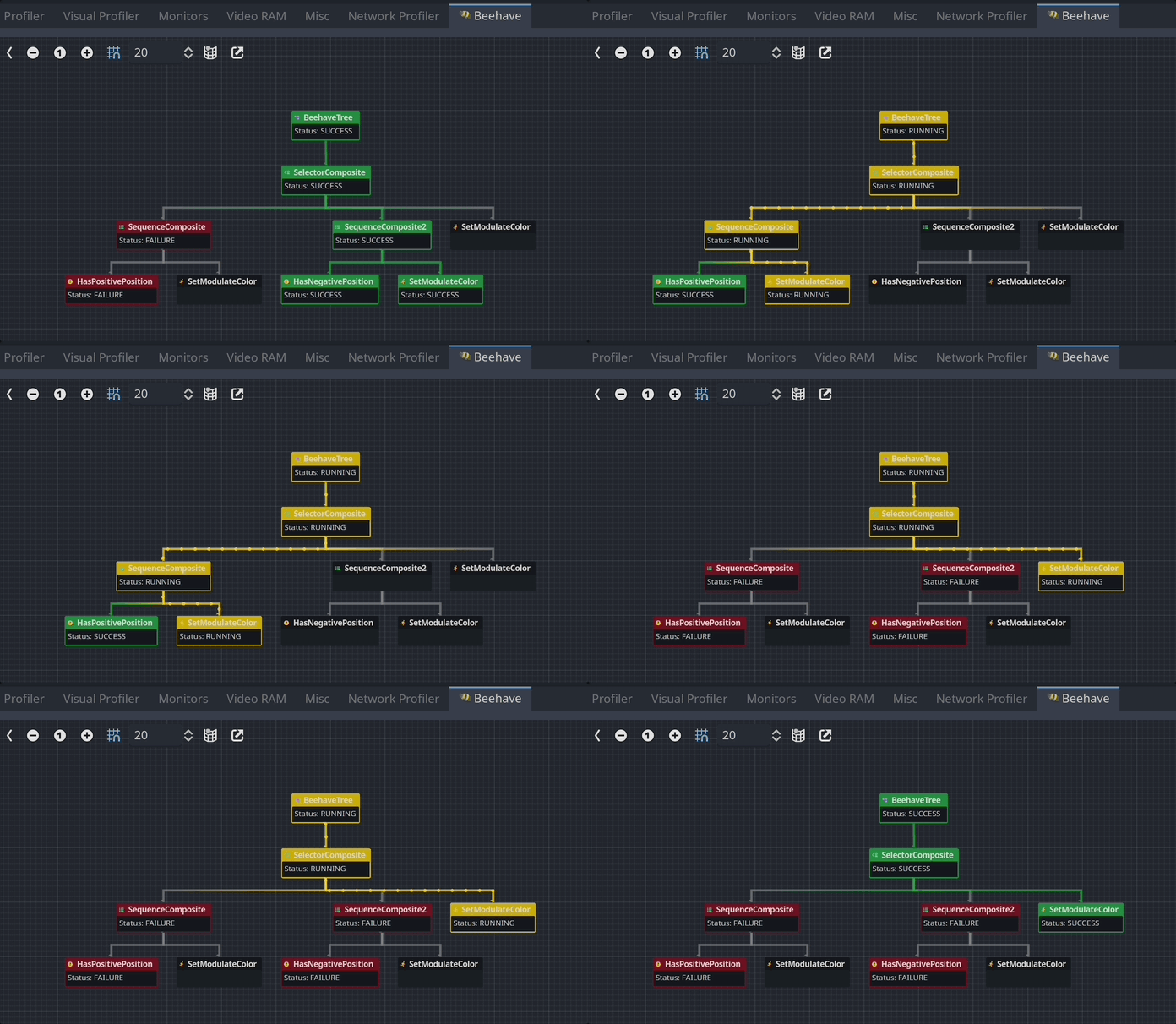
For example a simple behaviour tree could apply to an enemy based on whether or not they can currently see the player. This behaviour tree would split into two states. The attack sequence would activate if the player is visible to the enemy, the patrol sequence would activate when the player is out of the enemy's view.
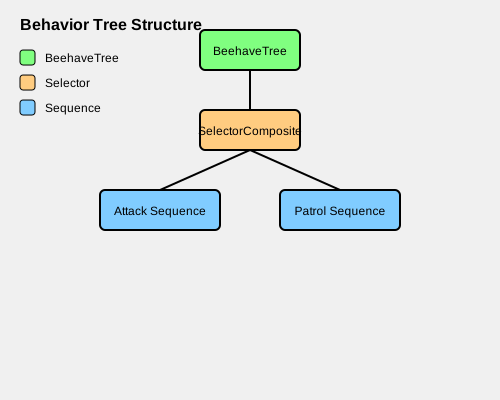
I'm currently working with Beehave to help me with the NPC logic for Mithra.
 bitbrain
Dialogue Manager

Lead developer: Nathan Hoad (https://nathanhoad.net/)
I originally discovered Nathan's Dialogue Manager tool while looking up tutorials for building dialogue systems in Godot.
Through the clarity of Nathan's example project I was able to get simple dialogue up and running in minutes and have been working with the system ever since.
The way in which the dialogue manager can access global state, be used to call functions and emit signals, as well as the easily extendable sample dialogue balloon scenes.
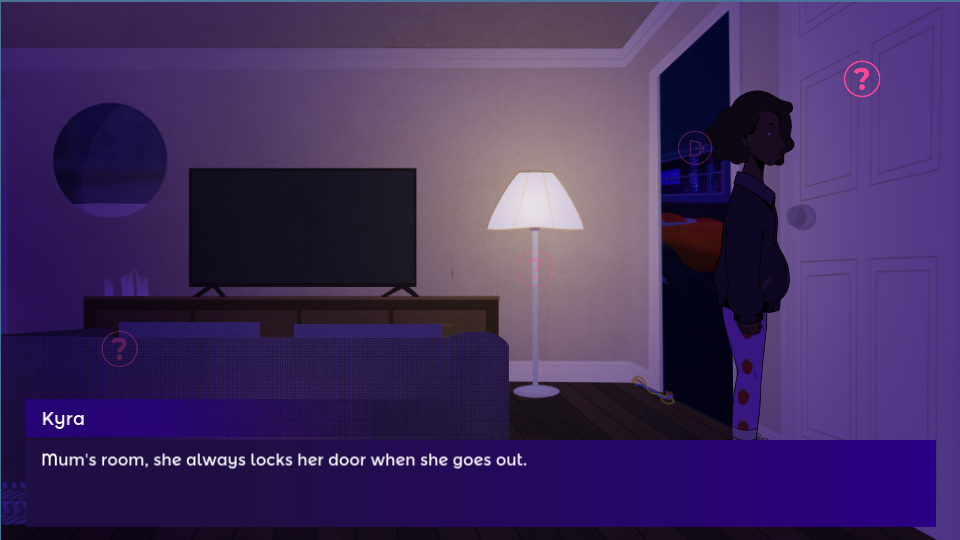
Additionally, Nathan also provides a number of useful signals which can be used to add further customisations when designing animations and sound effects to compliment your dialogue. I've been working with the addon for the last 2 years and would recommend it to anyone to get dialogue up and running in literally minutes.
 nathanhoad
FMOD GDExtension

Lead developers: Tristan Grespient and Pierre-Thomas Meisels (https://github.com/utopia-rise) based on work by Alex Fonseka (https://github.com/heraldofgargos)
If you're working with an audio team who favour the use of FMOD as their audio middleware of choice. I strongly recommend taking a look at this GDExtension plugin developed by Utopia Rise.
FMOD allows game soundtracks to be more reactive and dynamic through the inclusion of custom parameters and events. For example, FMOD could be used to trigger a more frantic version of a level's background music if a player is running low in health.
This plugin will automatically import all events from your FMOD bank files to use be used within your Godot project. Additionally, the project also provides custom Nodes to make adding FMOD powered audio to your scenes as easy as possible.
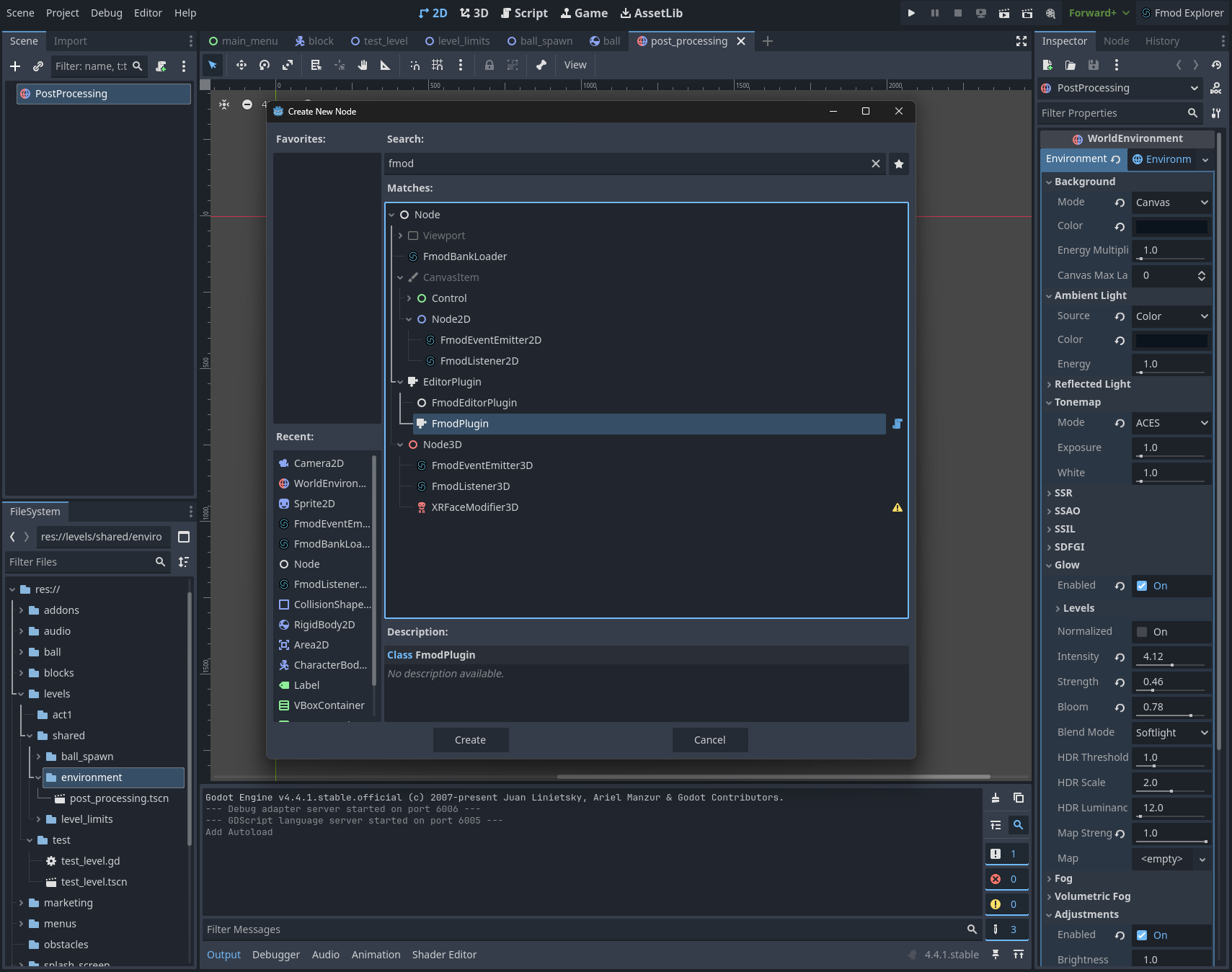
I'm currently making use of this extension as part of my efforts to redevelop a new updated version of Tonalities.
 utopia-rise
ProtonScatter
Lead developer: HungryProton (https://linktr.ee/hungryproton)
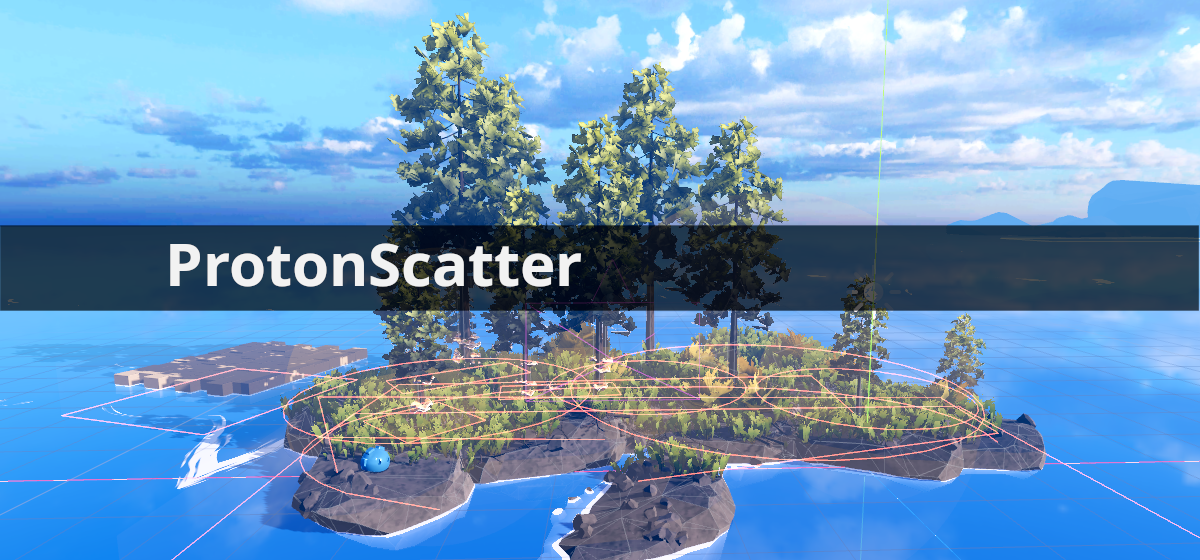
ProtonScatter is a plugin to help speed up the process of dressing scenes. I allows you to randomly fill an area with props (e.g. trees, rocks, grass, etc.) without needing to place each object individually.
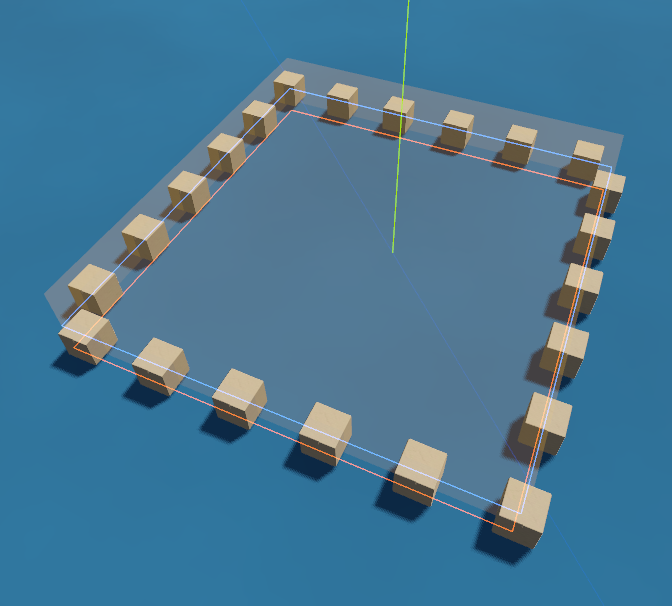
To work with the plugin, you firstly create a ProtonScatter node and place it within a Godot scene where you would like to add assets to. Beneath the ProtonScatter node, you then place a ScatterItem node - where you select the asset to place - and a ScatterShape where you define the area where the asset should be placed.
Within the ProtonScatter area, you can then select the number of assets to place, how they are positioned (e.g. uniform grid vs random positions) as well as manage the scale and rotation properties of scattered items.
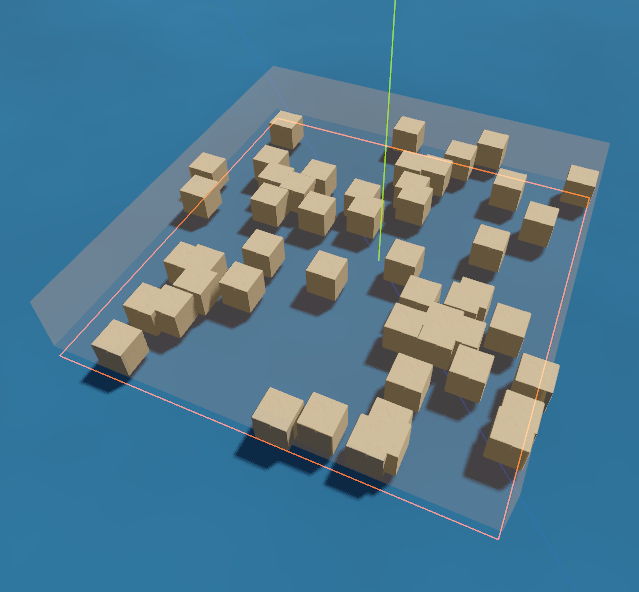
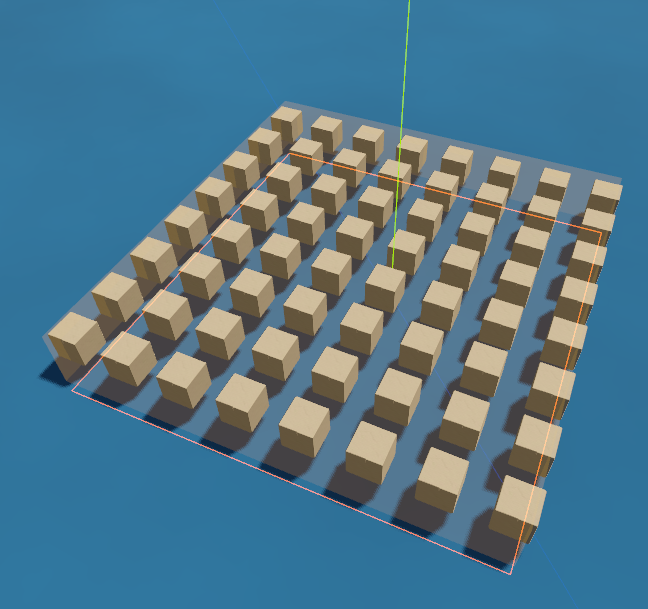
This is an amazing tool and I would strongly recommend trying it out to help speed up the process of decorating and dressing scenes.
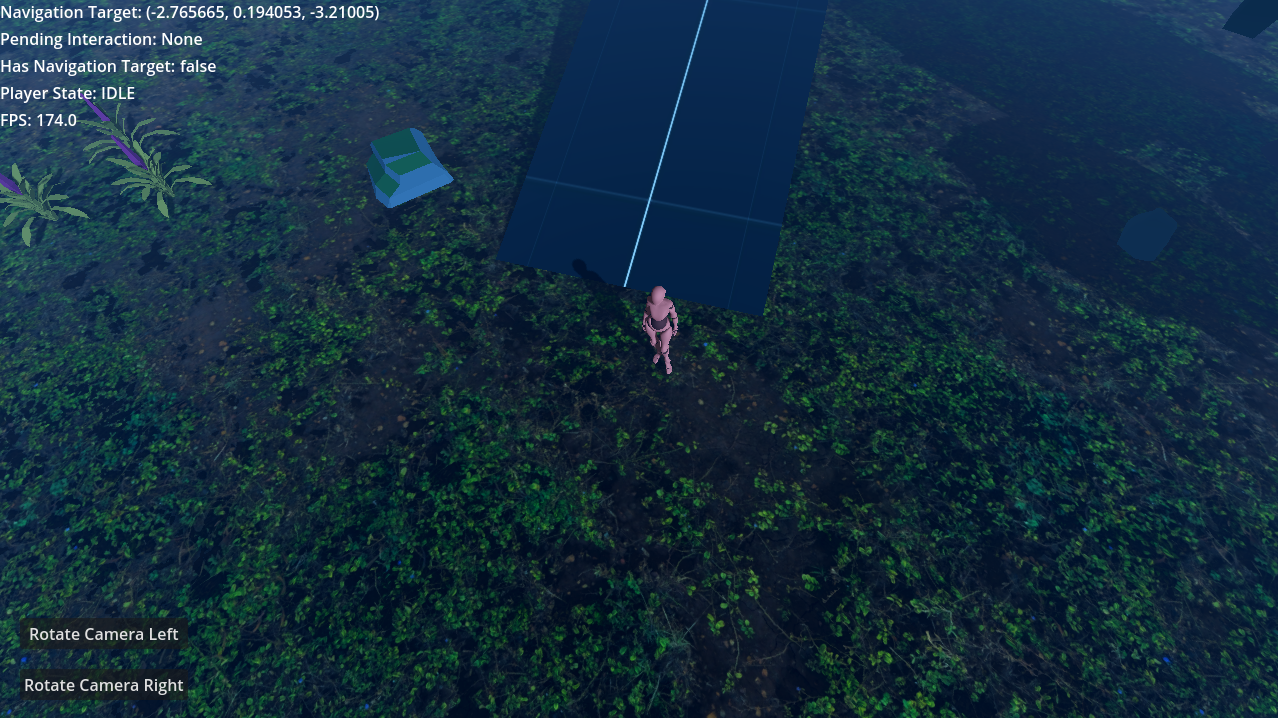
 HungryProton